I was testing the update to Plone 6.2.0 on my local machine and noticed that dry-run is not working while executing the Upgrade Steps for Plone 6.2.0. The site was really updated.
Can someone reproduce this? Or is something wrong with my site?
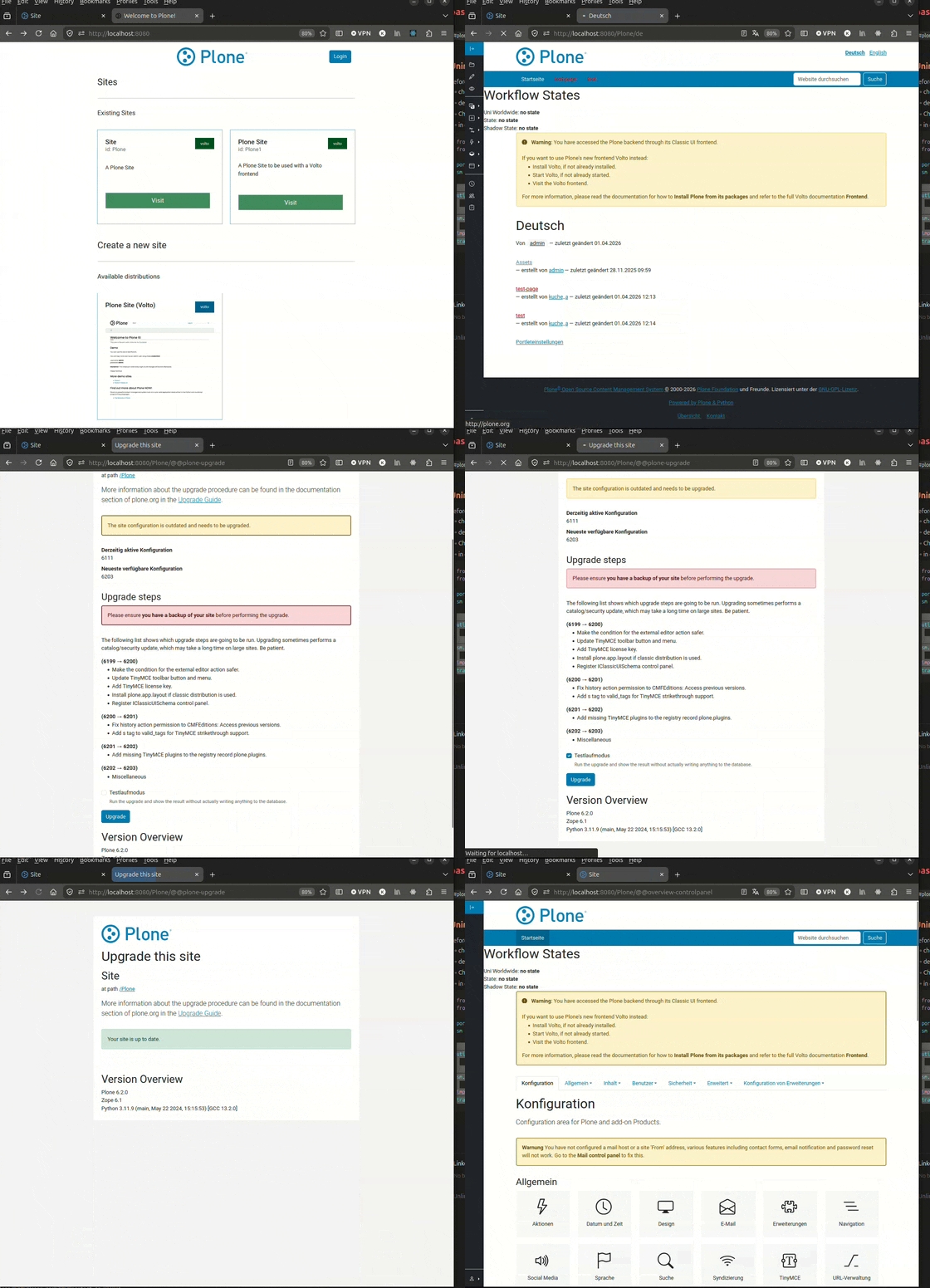
I was testing the update to Plone 6.2.0 on my local machine and noticed that dry-run is not working while executing the Upgrade Steps for Plone 6.2.0. The site was really updated.
Can someone reproduce this? Or is something wrong with my site?
I tested ( 6.1.x to 6.2) and dry run dit not update. (message: dry run selected, site not updated). Site updated correctly if I did not ‘choose dry run’.
In other words: everything was as expected.
@espenmn Thx for testing
I thought it was my site and created a new project with Plone 6.1.4 using cookieplone:
uvx cookieplone # Plone Version 6.1.4 - all other default values
cd project-title
make install
make backend-start # ... and create some plone sites
emacs backend/pyproject.toml # change Products.CMFPlone to 6.2.0
make install
make backend-start
But there I see the same behaviour: I select “dry run” and upgrade. And after this in green “Your site is up to date.” is shown.
I have also tried a cookieplone “Classic UI Project” but there I could not reproduce this behavior.
So I first updated “plone-volto” package and after this dry run is working as expected. Is it in general a good idea to update the packages first before running migration steps? (So far, I've always performed the migration steps first and then updated the packages)
There is an transaction.commit in an upgrade step in plone.volto
This might be the reason?
This is a bug in the plone.volto upgrade step. It should use savepoints instead of transaction.commit. Thanks for reporting it.
Note: I updated ‘from backend/Classic, from the ‘video’ it looked like he also did