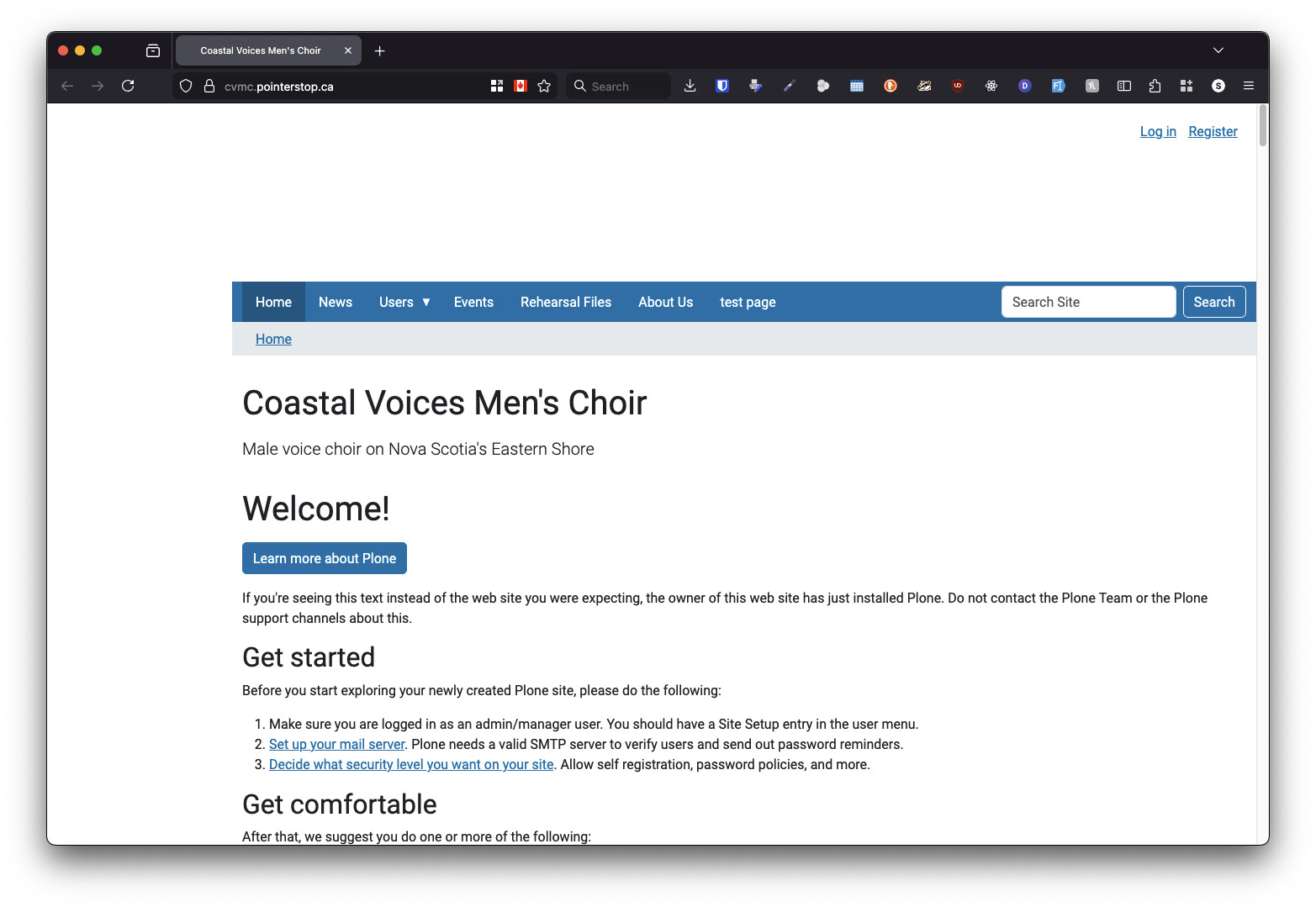
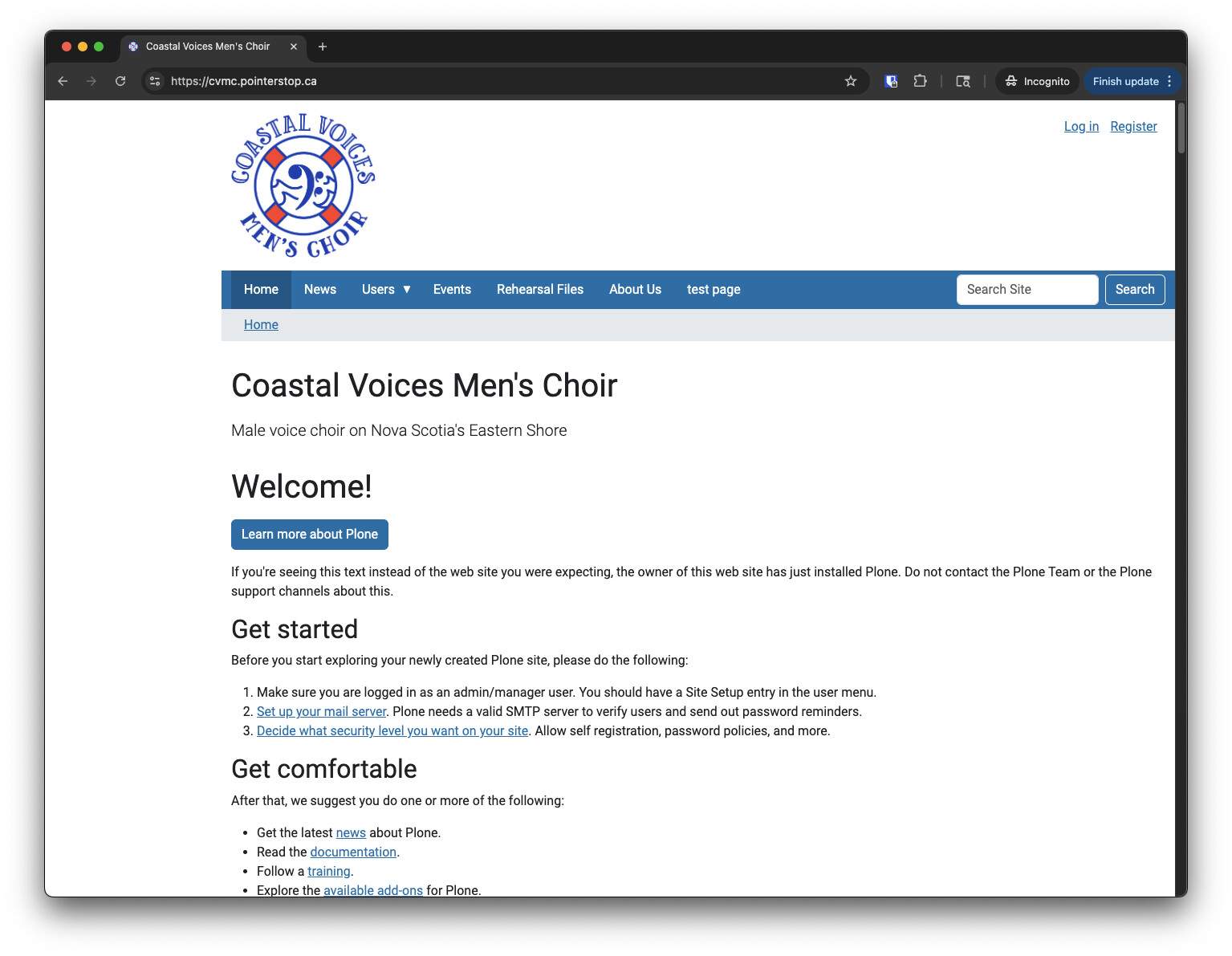
There are menu options that should only be available to logged-in users, but how do I make, say, https://cvmc.pointerstop.ca/news visible to everyone? In the ZMI, it actually shows that "anonymous" has View permission.
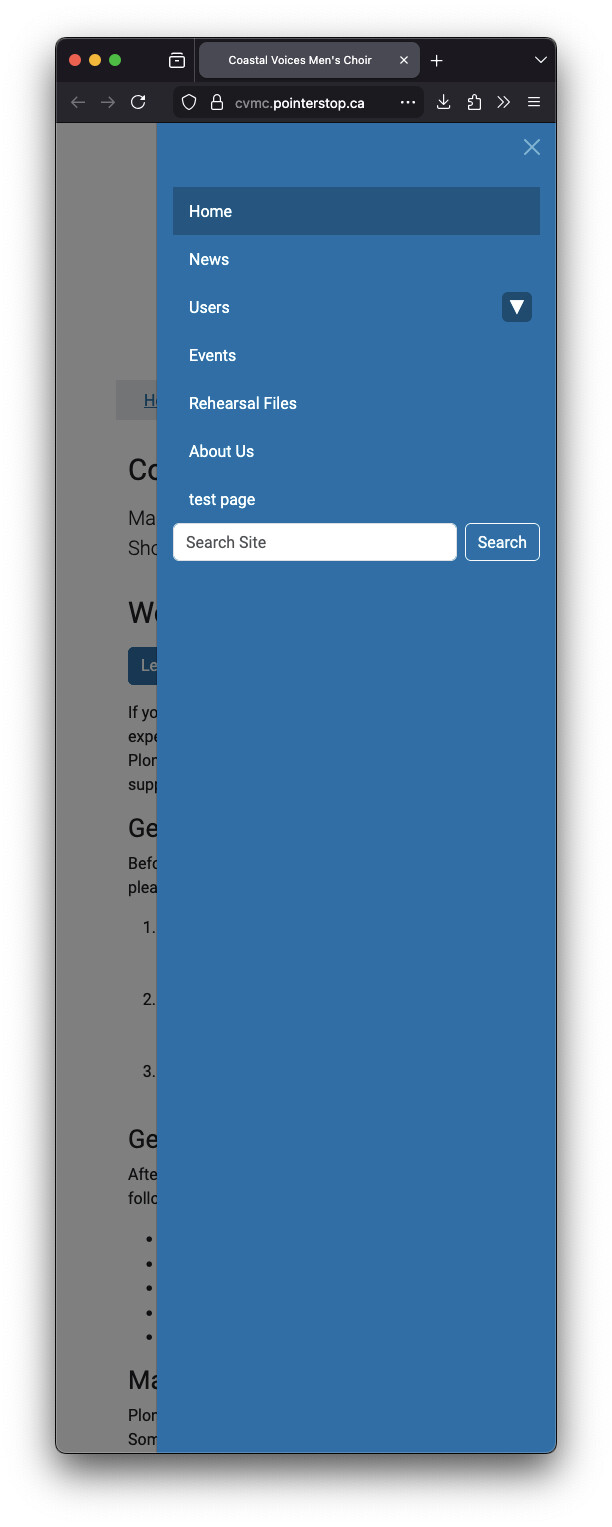
I thought for a moment this was just a caching issue, as after I logged out, I could see all the correct menu items, but then I checked on my phone, and in another browser, and they can only see "Home"
Back around Plone 3 & 4, I considered myself an expert, but it's a decade+ later, and I can't figure this out
Strange. All I've done there is modify the title, and I haven't touched theming yet, so I don't know why there'd be an unclosed DIV, but as long as the menu is present, I'm happy for now
@auspex I saw that you also create content programmatically. There were cases in the past, in those you needed to update the catalog manually to make the code generated stuff show up in the frontend, listings etc. This was mostly when using python scripts.
I am not sure if this is still relevant when using the REST API. But I want to mention this just in case you are not set yet.
You can update the catalog from ZMI TTW or via code. Search the docs. If you are in Volto UI you need some different ways to get there via Web UI when you cannot access the backend (e.g. on a server in docker setups).
I can see in the portal_catalog that everything seems reasonably correct. It just seems to be a couple of device/browser combinations that were a problem.