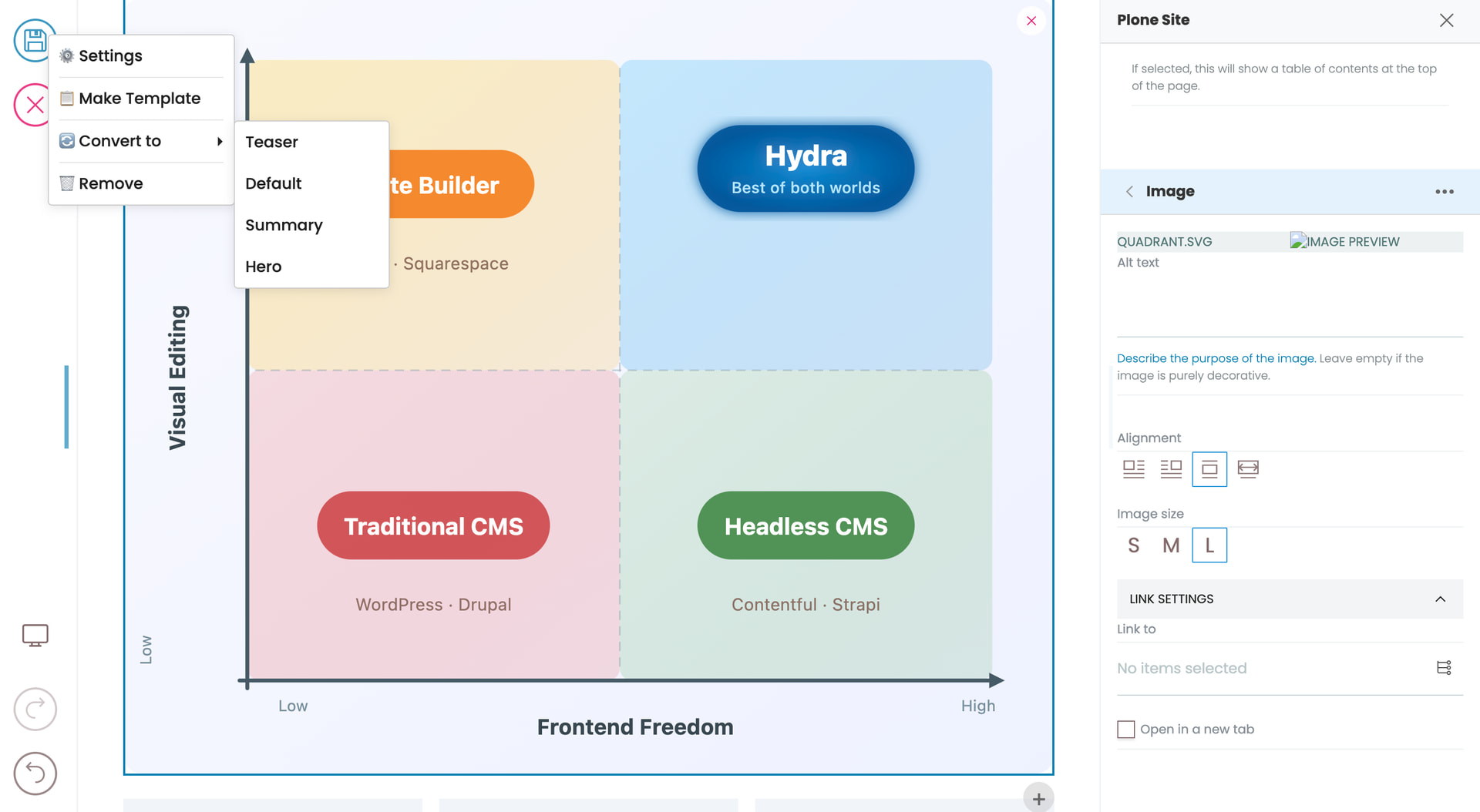
In a nutshell its a layer on top of volto that makes true headless Plone possible without having to make frontend and then an additional theme for the visual editor in order to get a nice editing experience and use your own frontend.
It makes editing directly inline in your frontend and live preview possible with a just a small js import and a few data tags.
This is perhaps not useful If you are already heavily invested in either plone or volto ways of building a site.
But we built for these reasons
- Speed: frontend freedom so we can take advantages of optimisations to deploy our frontends however we want and to make them as fast as we need
- Cost: Easier upgrades by no longer customising or shadowing and thus having to charge the customer every time the CMS needs to be upgrade because we have to rewrite our code. Cheaper to build frontends and import external design systems
- Security: higher security and lower hosting costs by not putting the editor code into the frontend code.
I also made a bunch of UX improvements along the way.
if you aren’t already invested in Plone then it has the added benefit of being way easier to learn if you are already familiar with next.js, nuxt.js or any other frontend stack.
The name will likely change and the repo location but it’s all there, documented and with a lot of tests.
This was originally a PoC started as a GSoC by @MAX-786. It’s come a long way.
I should add I fixed a few things about volto in the process
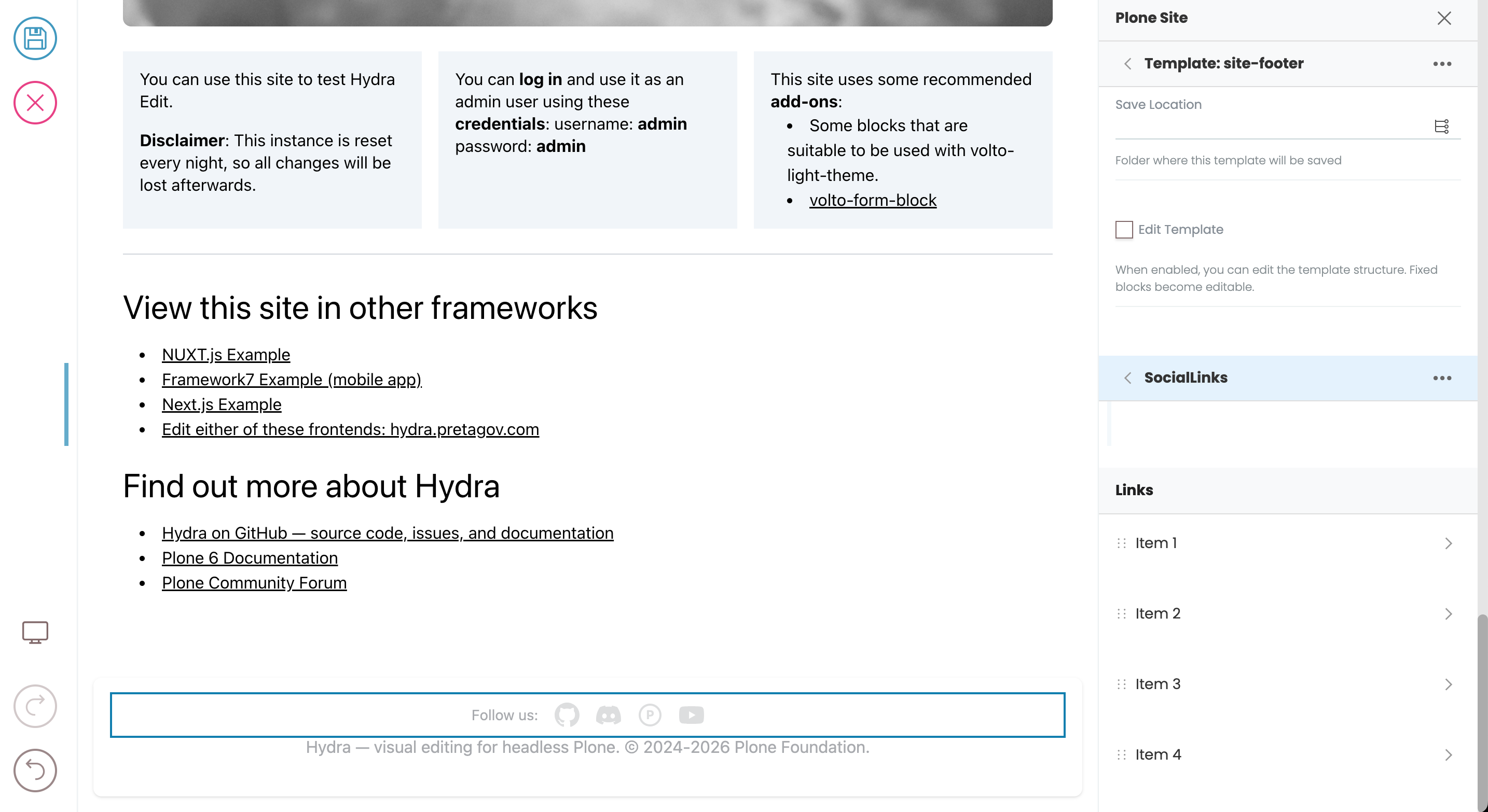
Layouts (templates)
These never worked because you couldn’t adjust the layout in one place and have it merged with all teh content that used that layout. Thats now fixed. They are also not restricted to per content type.
They also work as a snippets to have reusable content placed anywhere in the site. They are also edited in place so you can edit them as they really appear.
Now you can get to all the settings easily just by scrolling. no more tabs or trees.
Containers
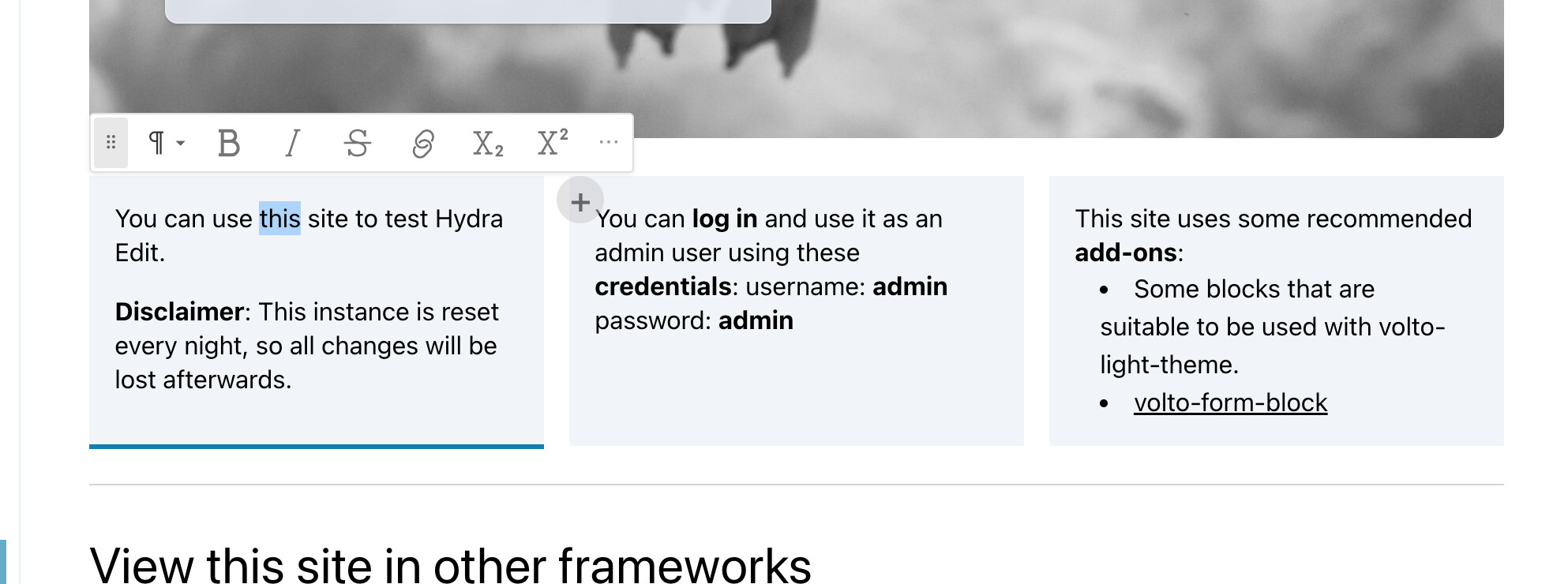
You can make custom block types that are containers mutlple levels deep and the UX handles it. Tables for example are now containers. You can DND in and out. You can also sync all types within a container.
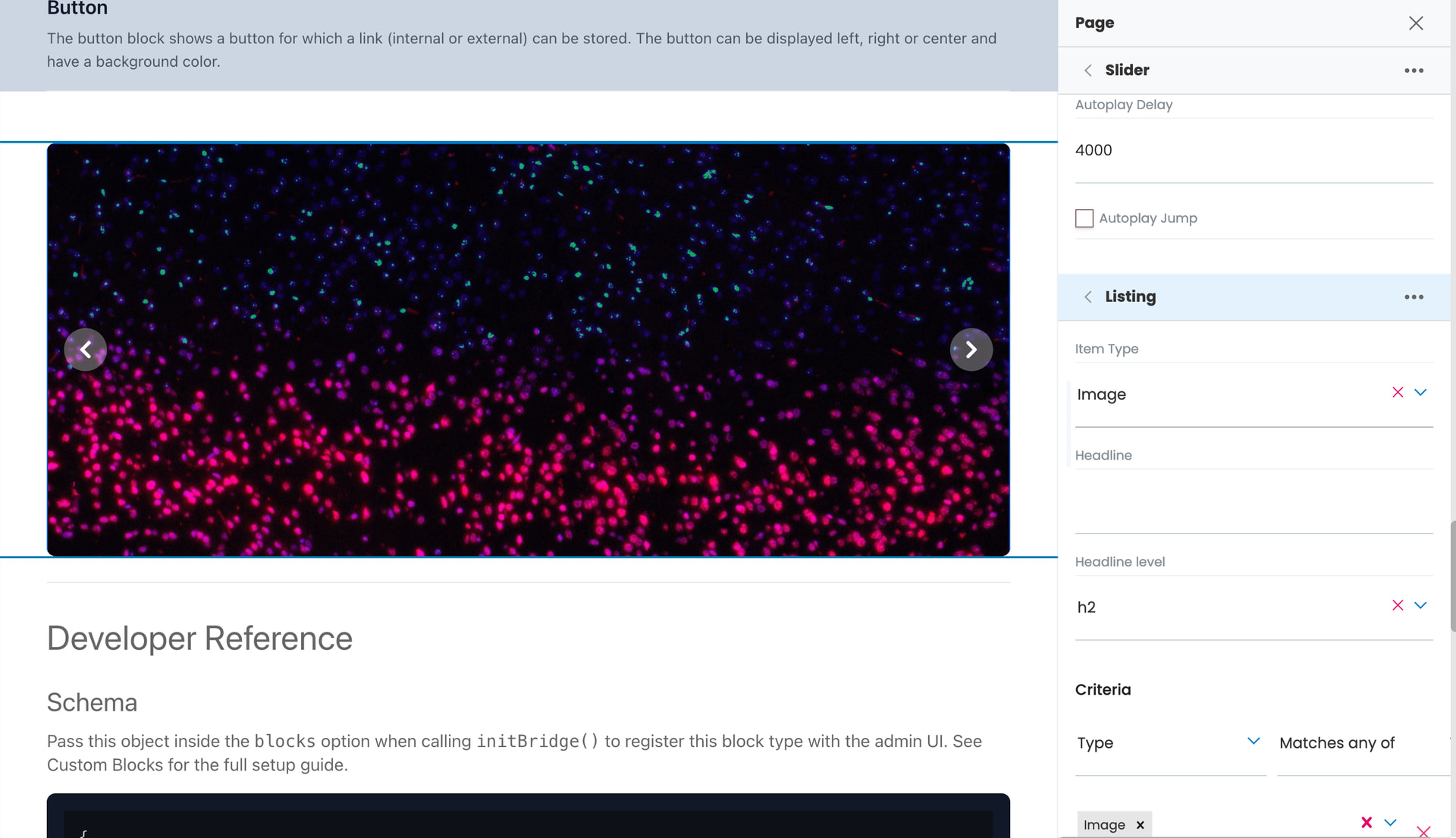
Listings are now a way to repeat another kind of block (using that same mapping as conversions). This means you can move listings in and out of containers and have them appear different depending on your renderer. The presentation is seperated the definition of what is being listed. Also search blocks just use listings. Want a grid with teasers but have it automatically populated by news objects as they are added, just drop a listing into a card grid.
Great!!! It went from just a PoC to something really astounishing! Amazing work Dylan and Jeff and rest of the team.
Seeing it has been built using with help of agentic workflows ( claude bot ) .
We did had a end user doc but is it on some presentable platform like using Sphinx or anything , so its easy for users as well as AI crawlers to get better understanding of this project and so more people could get invested in this easy. Just my thoughts