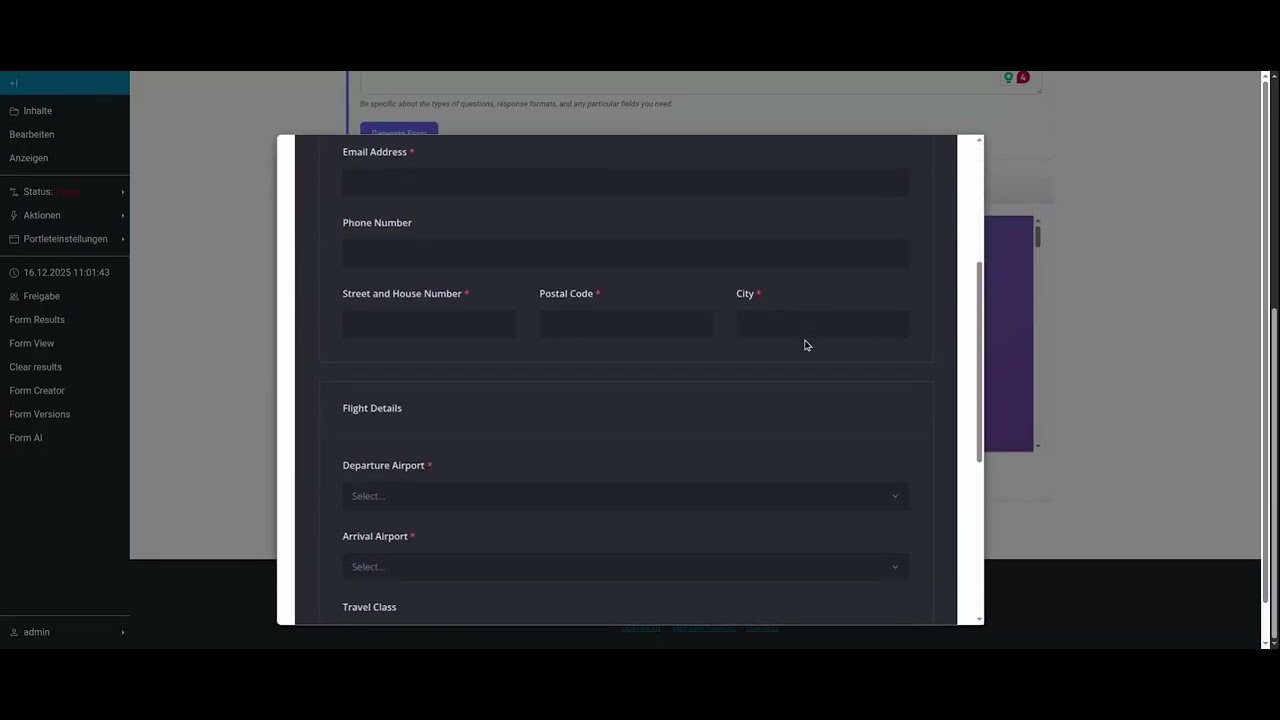
I want to share a short story with forms in Plone.
In a recent Plone migration, we migrated a Plone 4 intranet with about 60 different forms (based on PloneFormGen) to Plone 6 using EasyForm. The PFG → EasyForm migration is a core feature of collective.exportimport (you need a custom branch). The target system is based on Plone “Classic”, so no Volto involved.
Although the migrated forms worked in most cases out of the box, a few complex forms were completely useless and dysfunctional. The reason for this is the misuse of PFG where some forms had fields amount_1 to amount_10, text_1 to text_10 etc. for emulating order forms which you would usually implement using a datagrid field or something similar where you can add and delete new rows.
A few years ago, we evaluated SurveyJS which is a very powerful form library providing all needed for complex forms, field interactions, validation etc. Forms in SurveyJS are internally defined as a JSON structure that you can edit or create yourself or using the Creator which is an editor for editing forms. The JSON-based form renderer is free, the Creator requires a developer license. A completed form sends the collected data as JSON to an endpoint. That’s it. Integration are available for native Javascript, React, Vue, Angular and jQuery.
The processing of the submitted JSON form data is solely handled by the application. You can store the data in your application, create an email or send it to some other system. For the integration of SurveyJS with Plone, I reactivated an older add-on of mine which I used for evaluation purposes a few years ago.
So how did we get the old forms into Plone with our little SurveyJS plugin? First, we extracted the XML supermodel of each form (resulting in about 60 XML files). Then I used AI (Gemini) for converting all XML models to a related SurveyJS JSON form model. This worked very, very well. This worked so well that for example a radio field with options registration and unregister automatically had a SurveyJS rule attached for displaying/hiding a related set of fields to perform the registration or the unregistration - out of the box without special prompting. The surprising part of the AI conversion is the handling of the complex order forms with PFG mess like I told above. In all cases, Gemini generated a proper matrix/datagrid field with the corresponding columns including correct working, field types etc. For a few forms, we prompted Gemini to group fields logically together that belong semantically together (like rendering fields for firstname + lastname or zipcode + city on one row rather than rendering each field on a dedicated row).
Why am I sharing this story? EasyForm is a mature plugin but it sucks in many ways. The form editor (supermodel editor) is more or less a disgrace and an accumulation of very simple features. On the other hand, styling EasyForm forms is very hard and usually cannot be accomplished by Plone users (e.g. grouping of fields).
With SurveyJS, you get a very mature form library for free (as long as you create and maintain the JSON of the forms yourself) and if you need a human to work on forms, you can license the Creator component which is fairly priced. A client-side only solution, no backend component involved (expect your own integration of the JavaScript and CSS of SurveyJS), focus on privacy since only your own Plone is involved.
With the current approach, we bring back a decent UX to the users of the intranet. An user experience that works across all devices and screen size, providing accessibility support throughout the system.
SurveyJS: https://surveyjs.io/