Find source code of React component from dev tools of Chrome

How do I find the code of a component?
Volto 19
Chrome

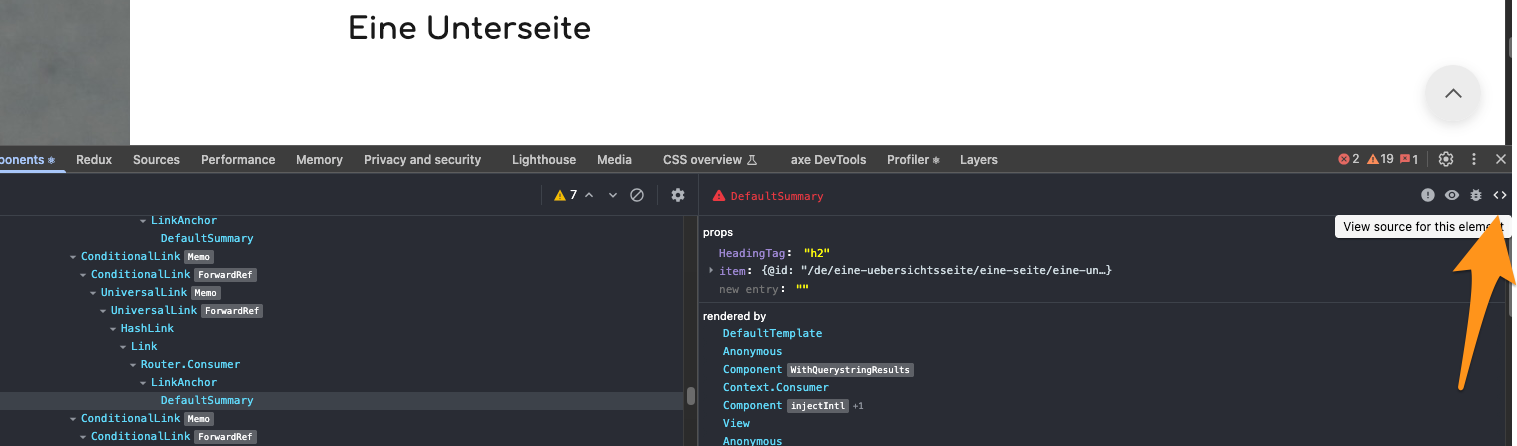
I expect to click on "view source for this element". But nothing happens.

What I tried:
frontend/core/packages/volto/razzle.config.js:

    // Configure source maps for React DevTools "view source" functionality
    config.devtool = dev ? 'eval-source-map' : false;

I thought source maps are automatically enabled for dev in Volto. It used to be in earlier versions🤔

They must be somewhat working here, since the left panel shows actual component names and not gibberish. But I don’t know the answer for what’s needed to make the “view source” button work.

(Edit: Ah, maybe that doesn’t actually mean anything about the source map, since it’s dev rather than production and probably not minified.)

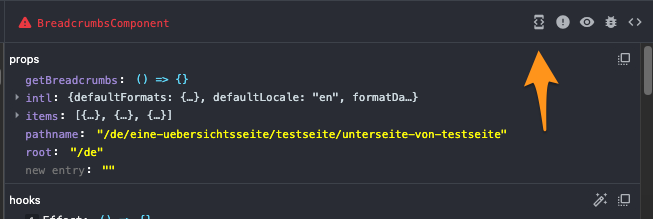
I'm still thinking what I've done to get this additional button "open in editor", but it works like a charm and opens the code of the component in VSCode:
:rocket:

1 Like