Is that anyway I can replace “Logo.16e25cdf.svg” with my own logo?
Do you mean switching out the site logo?
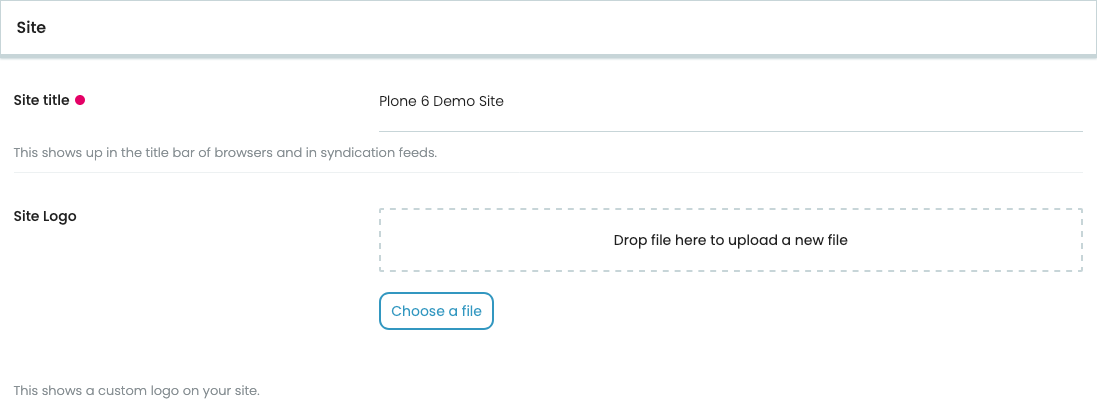
If so, there is a rather easy way. In the site controlpanel under /controlpanel/site you can upload a different logo:
I hope that helps.
Yes, I do so and the site render well with my logo.
Until my site got attack, the I put cloudflare in front of it.
While the JS Challenge turn on, site start render with Plone logo (display about a sec) than became my logo.
That is strange. Maybe something related to caching? But without seeing the site myself I don’t know how to investigate. I never encountered this problem myself.
I just try to Clean and Rebuild the Catalog
And once turn on Cloudflare JS challenge it do the same, maybe it’s because something Cloudflare JS challenge not work well with Plone / Volto
When turn on cloudflare JS challenge
/site.webmanifest is become 403
And than it will show plone logo for a sec.